Six ready-to-use AI skills
Practical starting points for AI visibility, local discovery and faster lead response.
 Meet with Phil
The pool & spa AI session
Beautiful backyards. Smarter businesses. Explore what AI can help you create — from the first click to the showroom and beyond.

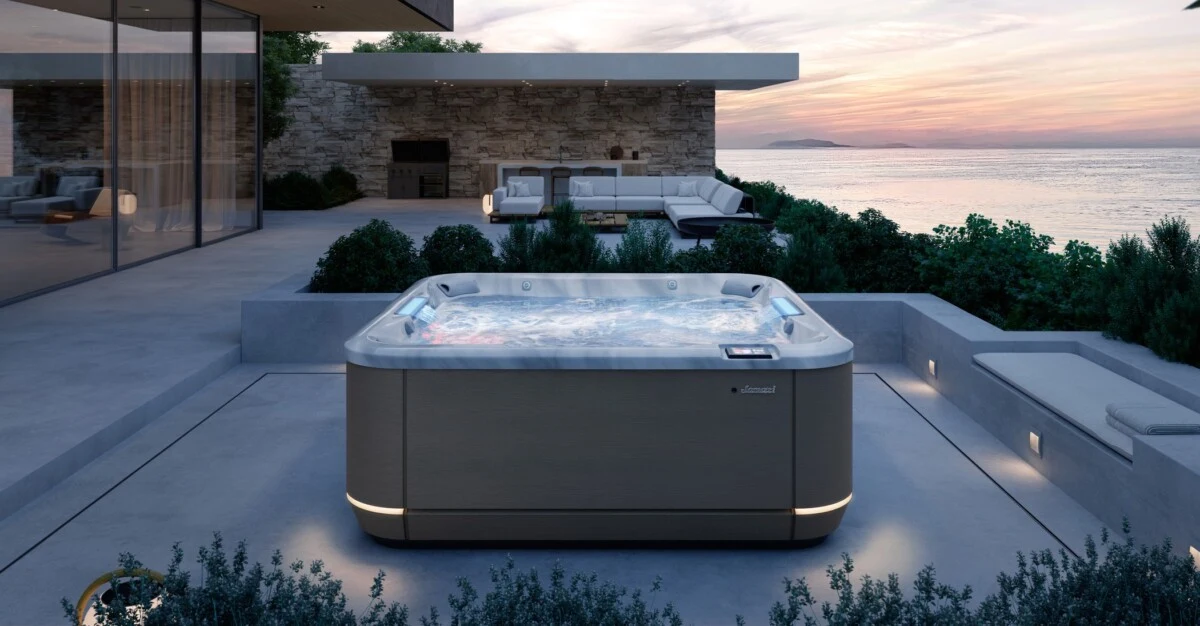
New possibilities.
Explore the work
Not someday. Something you can see.
Real project screens from the session.
Explore the work, not just the promise.
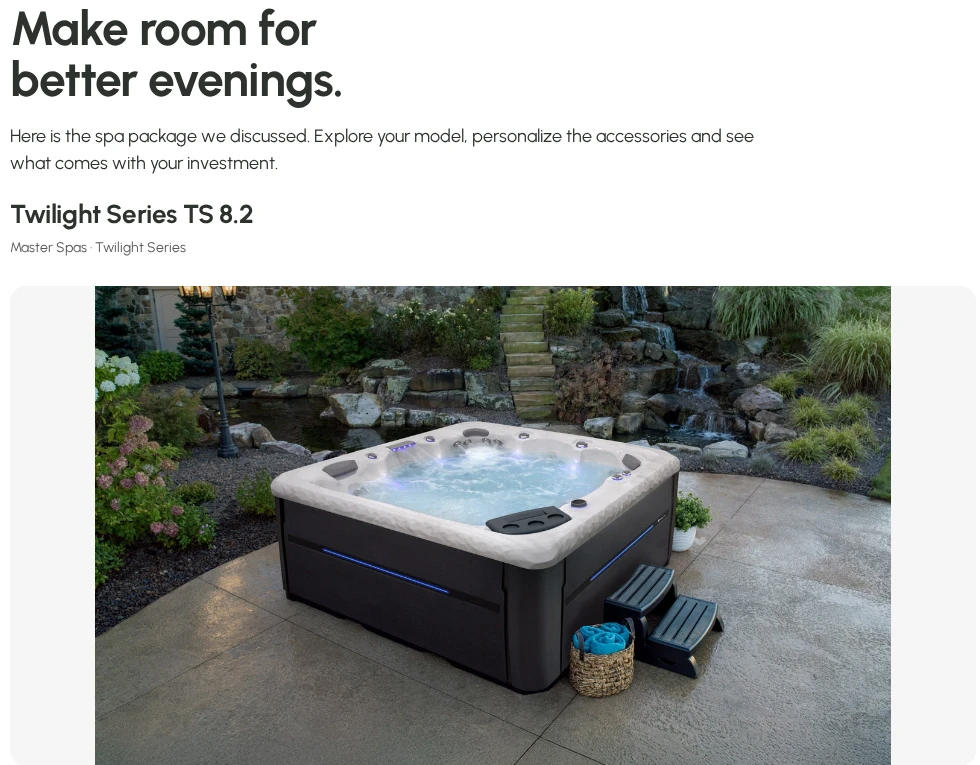
Hot Tub Family · Proposal pilot
Turn a showroom conversation into a visual package. Help buyers explore the spa, finishes and accessories, then share the idea at home.
Prototype screenshots · November 2026. Not a live offer or checkout.
Actual public chat controls



Actual public experiences and prototype screens, not live apps embedded here. Screenshots are not current offers.
You don’t need another AI lecture. Start with one useful task, using the tools you already have.
A taste of your toolkit
A prompt you can put to work
“Act as a helpful pool and spa retailer. Give me 10 questions a first-time hot tub buyer asks before visiting a showroom. Turn the best three into useful answers for our website. Ask me for missing facts. Do not invent prices or product claims.”
Use it for buyer questions, useful content and clearer next steps.
Practical starting points for AI visibility, local discovery and faster lead response.
Retail, sales, service, follow-up, content and operations. Copy, adapt and try.
Pick one task. Add your facts. Check the output. Bring your team along.
Tools from Phil’s session
You do not need every platform. Choose one useful problem, give the tool real business information and check the result.
Understand AI visibility
Track how your business appears in AI answers and inspect the sources behind those answers. Use the gaps to plan useful content.
Explore ZeroRankBuild a useful customer tool
Prototype a price-guide experience, guided spa finder or landing page from a clear brief. Check the facts, forms and integrations before launch.
Explore LovableTurn good information into good work
Use your confirmed business details to draft buyer tips, service FAQs, comparison pages and team processes. Review the output before publishing.
Try ClaudeGive AI a repeatable playbook
Six pool and spa skills: AI visibility, Google Business Profile, business-detail consistency, answer-ready pages, reviews and lead response. Includes six practical prompts and a start guide.
Download the IMP skillsKeep creative connected to your brand
Now called Rainbrand. Organise brand guidance and use it to support creative briefs and on-brand image work. Supply real product imagery and check every claim.
Explore RainbrandResearch and develop ad creative
Explore ad examples and build brand-led static creative. Use research for ideas, not copied claims, and keep the actual product accurate.
Explore KonvertThe IMP toolkit is available here. External tools have their own accounts, terms and plans. Do not upload customer records, private conversations or sensitive business data without permission.
Your session resources, in one place. Let’s make them useful.